How to Book a Verified Pandit Online
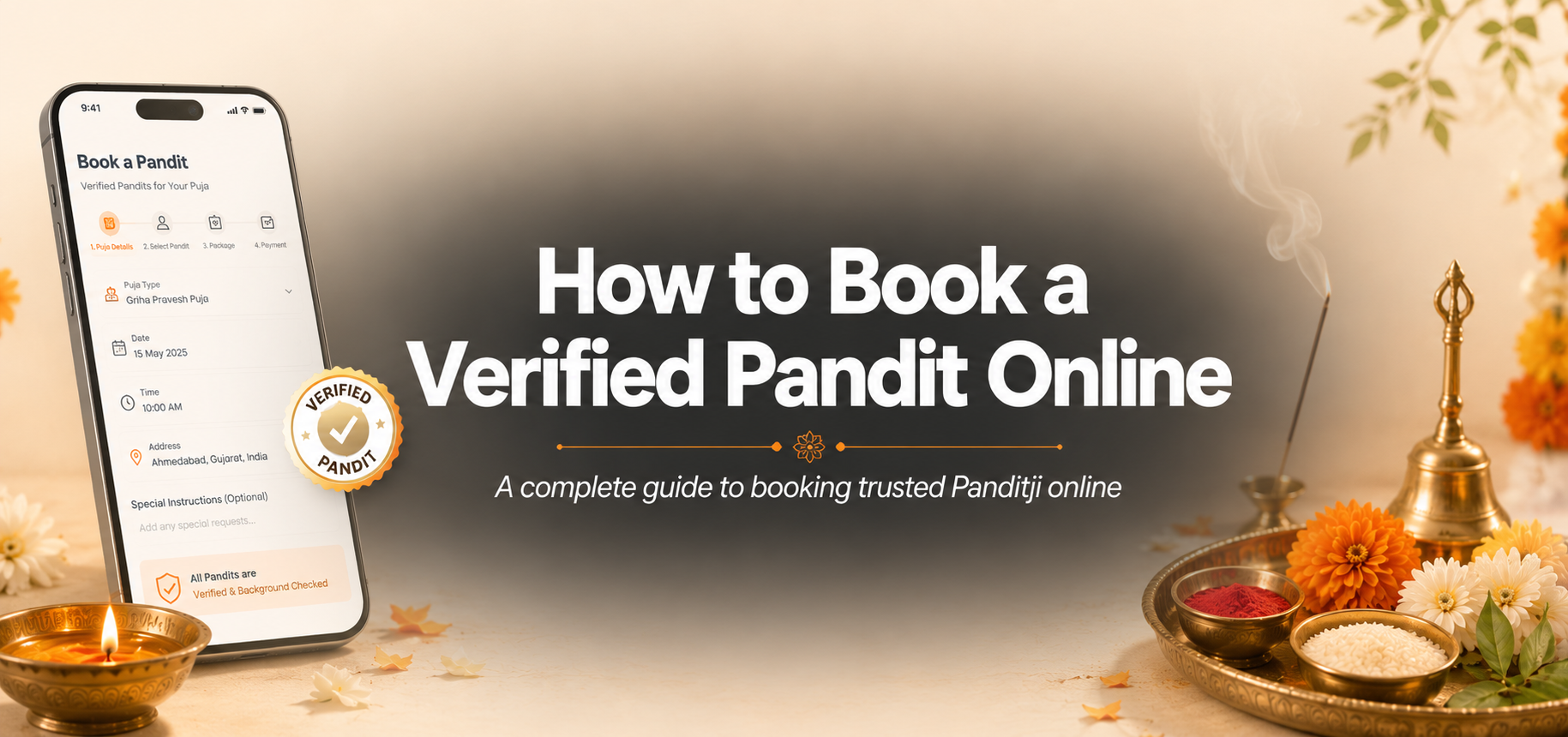
Booking a Panditji used to mean calling relatives, waiting for availability, and worrying about authenticity. Today, devotees can book a verified pandit online with clear steps, transparent packages, and real-time updates. This guide explains exactly how to do it on AbilGulal—calmly, correctly, and with full confidence.
Why Book a Verified Pandit Online?
A verified pandit brings ritual knowledge, punctuality, and trust. Online booking removes last-minute confusion about timing, language, pricing, and location. You get a structured process from request to confirmation, so your family can focus on devotion instead of logistics.
- Verified profiles and clearer expectations before the puja day
- Secure online payment with booking confirmation
- Updates through your dashboard, email, and SMS
- Option to share special instructions like language or gotra needs
Step 1: Create Your Account and Log In
Before continuing the booking form, make sure you are logged in. On AbilGulal, login is required when you click Continue after Basic Information. Use your registered email or sign up in a few minutes. Keep your phone number updated so you can receive OTP and booking alerts.
Step 2: Fill Basic Information Carefully
Go to Book Pandit and enter Country, State, City, Area, and detailed address (society, house/flat number). Choose the correct puja type, date, and time. If you have special requests—preferred language, specific samagri arrangements, or family customs—add them in Special Instructions.
Accurate address and landmark details help the pandit arrive on time. Double-check date and muhurat preference before moving ahead.
Step 3: Select Panditji Type
Next, choose the pandit category that matches your need and budget. Options typically include Standard, Experienced, or Acharya-level guidance. Think about the complexity of your ritual: a simple home puja may need a standard option, while major life ceremonies may benefit from a more experienced pandit.
Step 4: Choose Your Package
Packages usually differ by inclusions and overall value—Basic, Premium, or Complete. Review what each package covers so there are no surprises on the puja day. If you are unsure, choose a package that includes clearer support and samagri guidance for first-time hosts.
Step 5: Complete Secure Payment
After package selection, complete payment through the secure gateway. Once payment is successful, your ritual request is submitted. You will see a confirmation screen with next steps, including where to track your booking.
Step 6: Track Status in Pandit Ji's Bookings
Your request is shared with qualified pandits in your area. When a pandit accepts, details appear under My Bookings → Pandit Ji's Bookings. You also receive email and SMS notifications. Keep checking this section until the booking is accepted and finalized.
What Happens After a Pandit Accepts?
Once accepted, prepare your home: clean the puja space, arrange seating, keep water ready, and confirm the entry pathway. If samagri is your responsibility, keep items ready before the scheduled time. Stay reachable on the registered mobile number.
- Clean and decorate the puja area in advance
- Keep family members informed about start time
- Have a quiet space for mantra chanting
- Share parking or gate instructions if needed
Common Mistakes to Avoid
- Entering incomplete address or wrong city
- Selecting a date/time without checking family availability
- Skipping special instructions for language or customs
- Ignoring booking notifications after payment
Final Thoughts
Online pandit booking works best when your details are clear and you follow each step patiently. With AbilGulal, you can request a verified pandit, pay securely, and track acceptance in one place. Start your booking today, keep devotion at the center, and let the platform handle the coordination.
Ready to begin? Visit Book Pandit, fill your details carefully, and submit your request with confidence.